If you already have a thread/post and would like to add pictures to it this is how you do it.
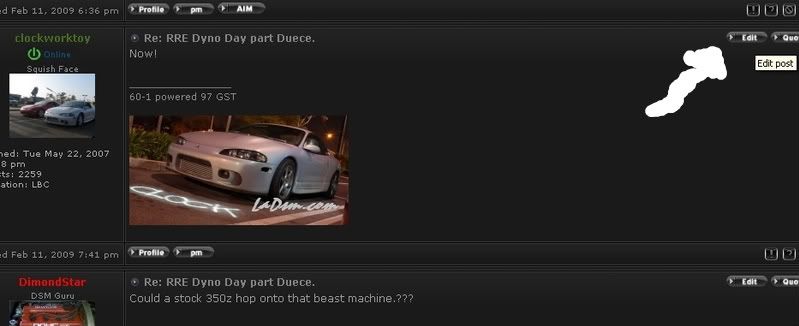
1)Click on "edit" on the top right of your post box.
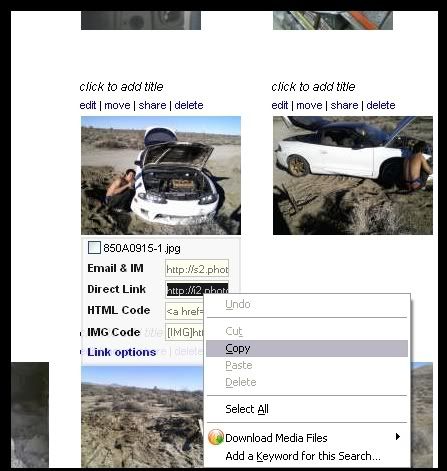
2)Then go to your imagine hosting site (photobucket in this car) and copy the direct link from there.
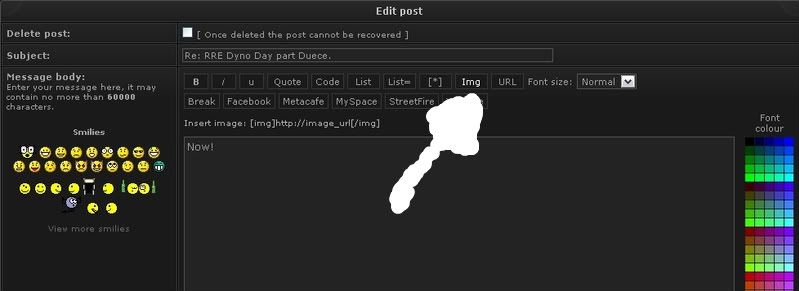
3)The next step is to click on the "Img" button in your post edit.
4)Once you do that this will pop up in your text box.
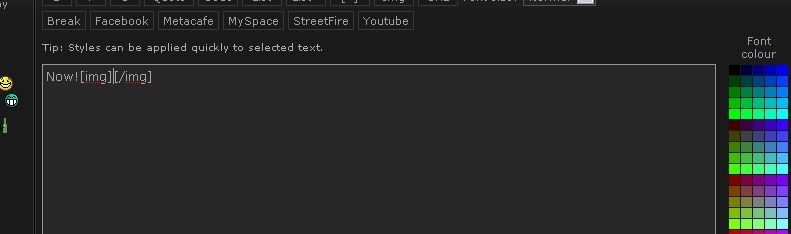
5)This is where you paste the link from your picture that you want to post.
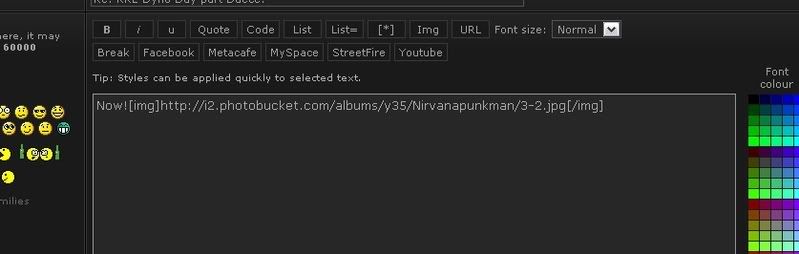
6)You can repeat this for multiple pictures.
Once you have done this then you can go ahead and click on the "preview" button to make sure it looks right.

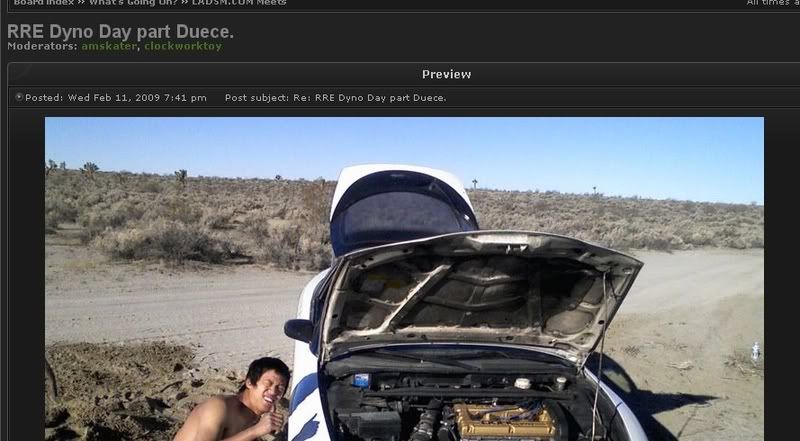
7)You can then click "submit" and congratulate yourself, because your post has a picture in it now!